The ultimate subtitle display software for live events, conferences, broadcasts, and multimedia production.
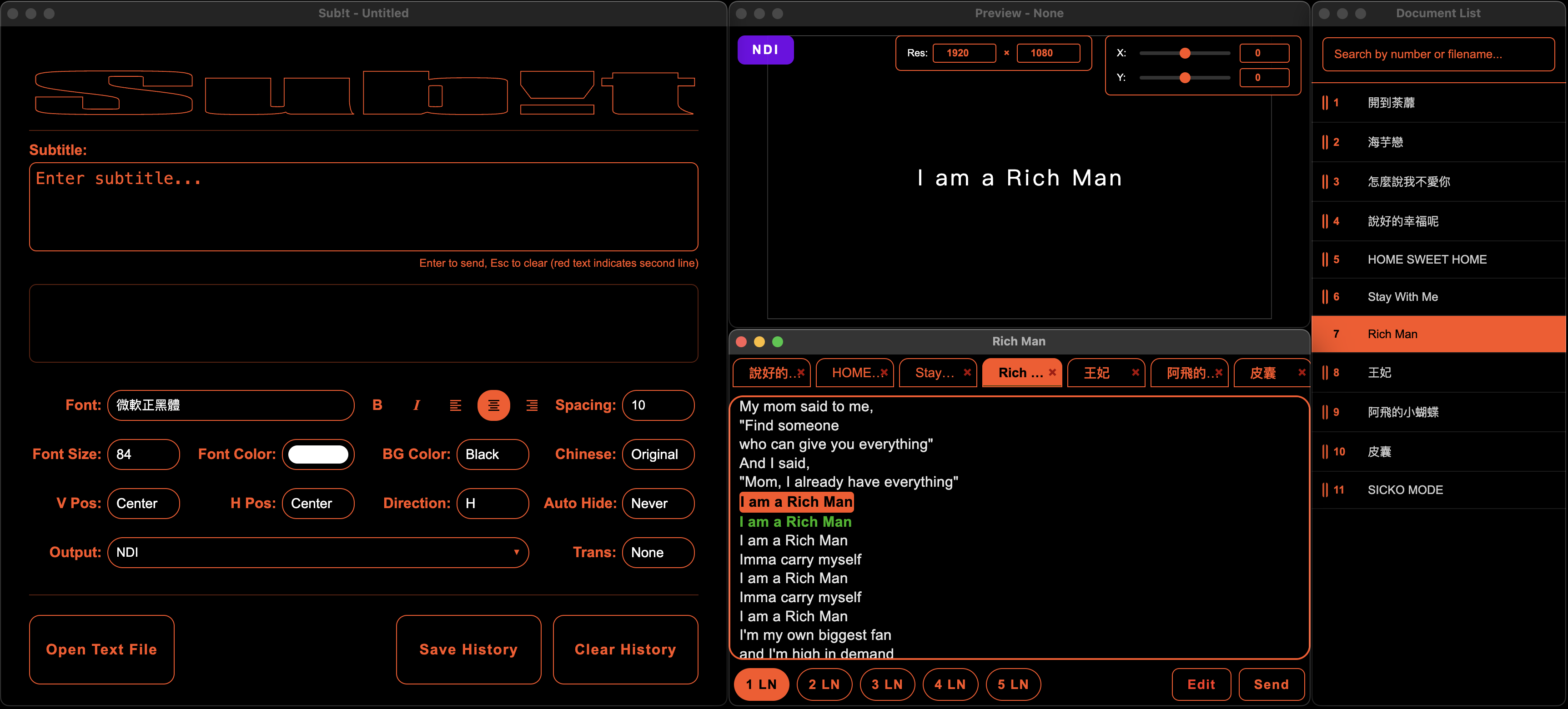
Output to multiple external displays simultaneously with independent settings for each screen including resolution, position, and styling.
Learn more →Stream subtitles via NDI with transparent background support. Compatible with vMix, OBS Studio, Resolume Arena and more.
Learn more →Display vertical text on both left and right sides simultaneously. Perfect for stage productions where audiences are on both sides.
Learn more →Auto-convert between Traditional and Simplified Chinese. Support for RTL languages like Arabic and Hebrew.
Learn more →Import plain text documents (.txt, .docx) directly. Per-word color, font size, bold, italic, and highlighter; group paragraphs by blank lines for whole-block output.
New in v1.3.2Save complete project settings including all styles, documents, and window states. Quick setup for recurring events.
Learn more →Triple-engine speech recognition: Deepgram real-time streaming, Whisper offline with GPU acceleration, and Sherpa-onnx offline streaming.
Learn more →SMPTE 12M Linear Timecode synchronization with native C++ decoder. Frame-accurate subtitle cueing with flywheel protection and Auto GO.
Learn more →Step-by-step walkthroughs: basic setup, the preview window, document management, and building an SRT from plain text.
Learn more →Concerts, theater, and ceremonies with real-time multilingual subtitles.
International conferences with simultaneous translation display.
Display lyrics, scripture, and announcements for services.
Professional subtitles via NDI integration for broadcasts.